
Lumen
Every game on your handheld, in one console-like screen.
Lumen installs and tunes the emulators itself, finds your games and starts them fullscreen. You never open an emulator window, and you never put the controller down.
Features
One setup, every system
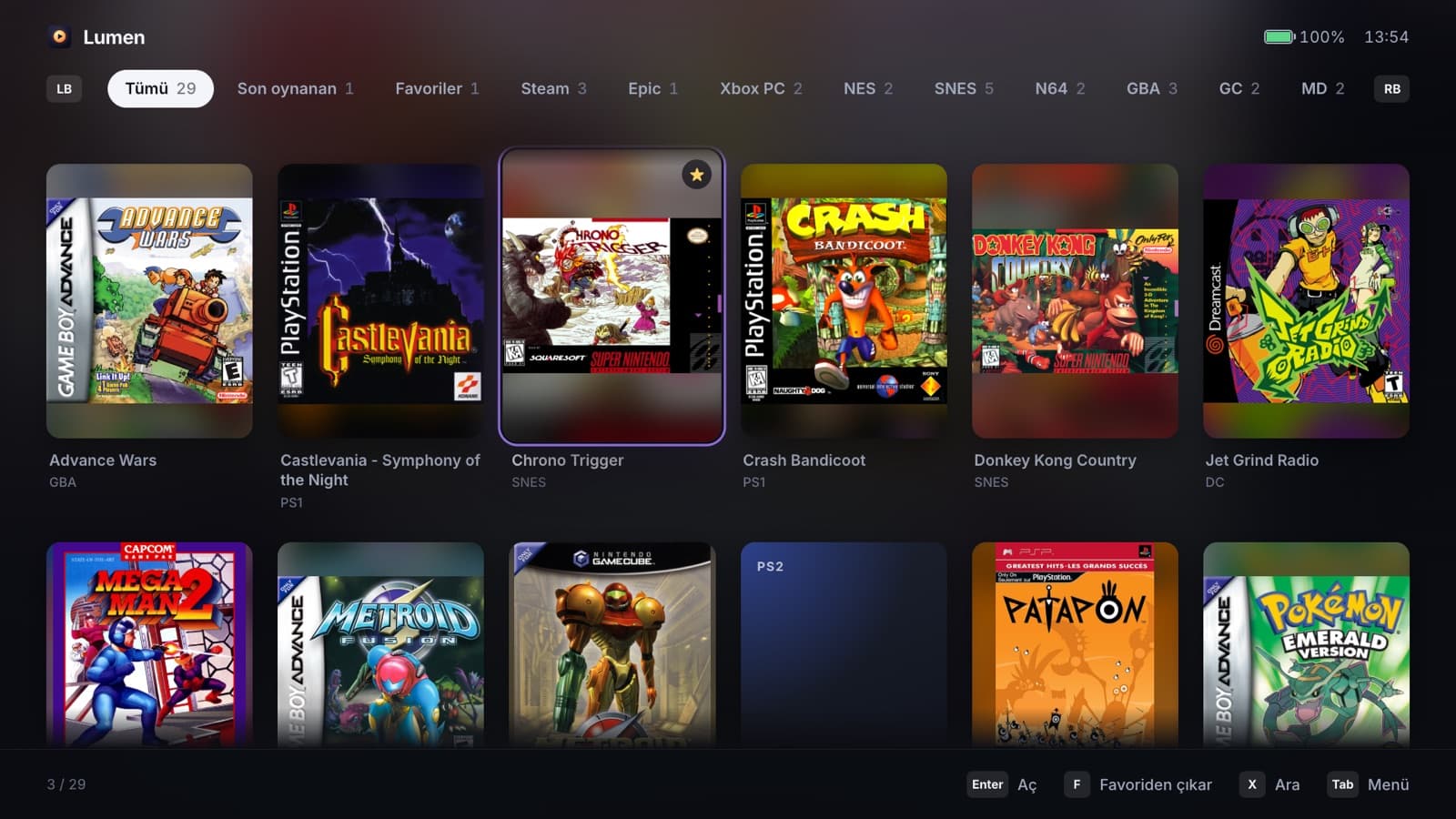
Pick a game folder and Lumen does the rest: system folders, emulators from their official releases, configs written for you. From the NES to the PS4, plus Steam, Epic and Game Pass in the same library.
Tuned for the Ally
Detects Z1, Z1 Extreme, Z2 A and Z2 Extreme and applies per-emulator presets: Vulkan, resolution per GPU tier, async shaders, controller mapping, no first-run wizards.
A real quick menu
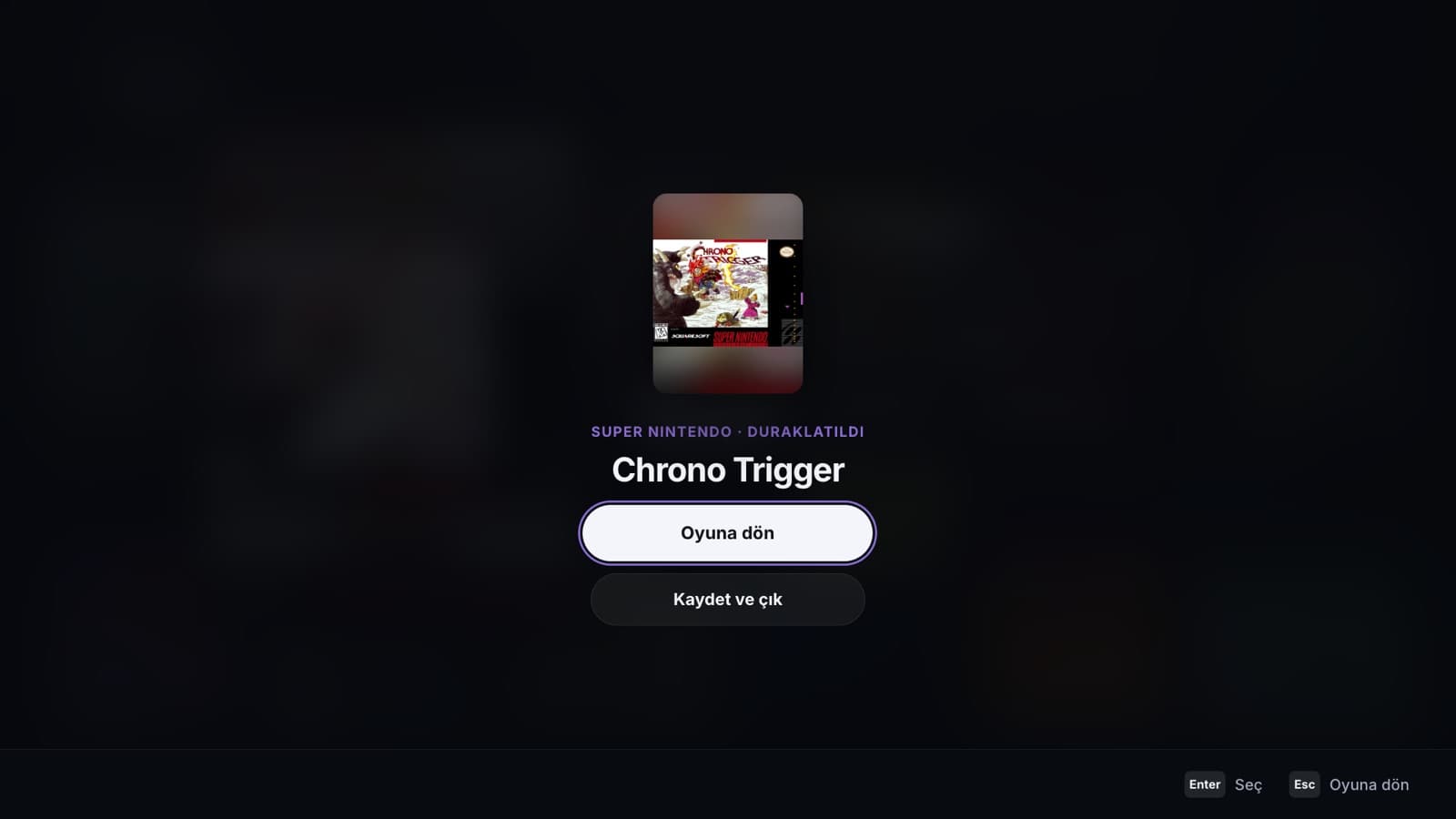
Tap Select + Start in any game and it pauses with Lumen on top. Hold to save and quit. Sleep pauses the game too.
Continue where you left off
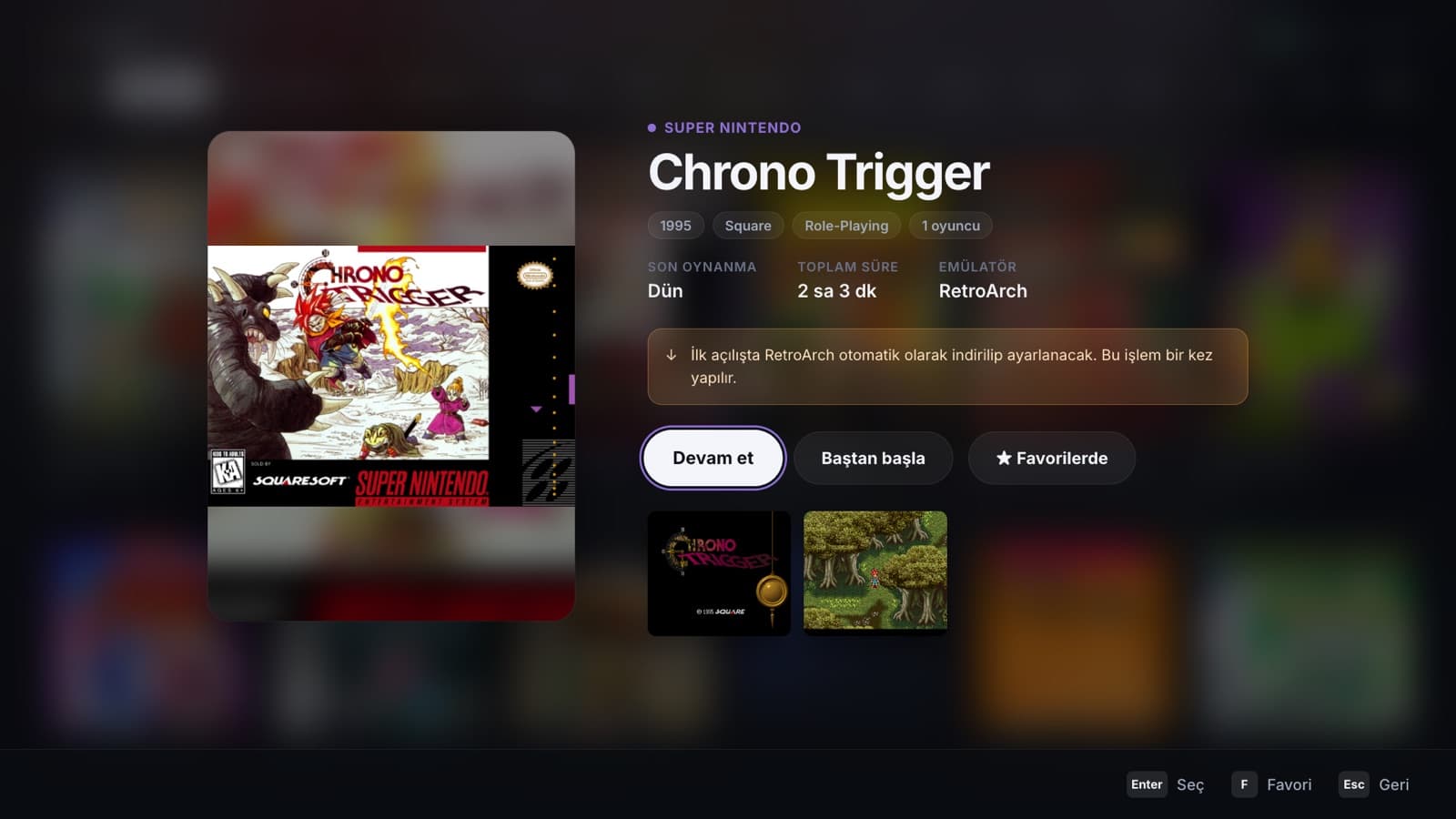
Resume states for RetroArch, DuckStation and PCSX2, with a Start over option on every game.
RetroAchievements
Sign in once and achievements work in RetroArch, DuckStation, PCSX2, PPSSPP and Dolphin. Your password is never stored.
Save backups
Saves and save states are mirrored after every session, to OneDrive by default.
Seven themes
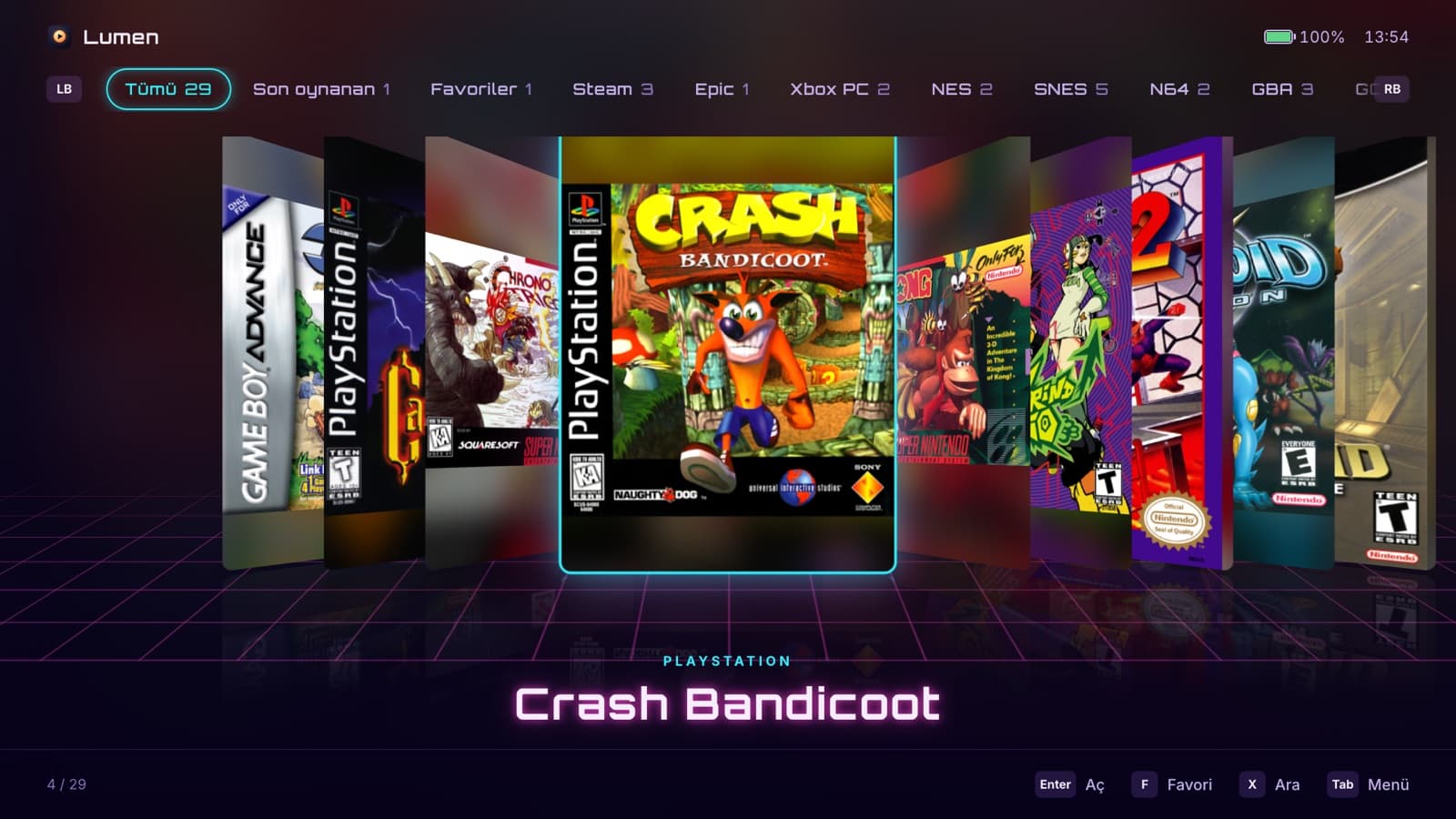
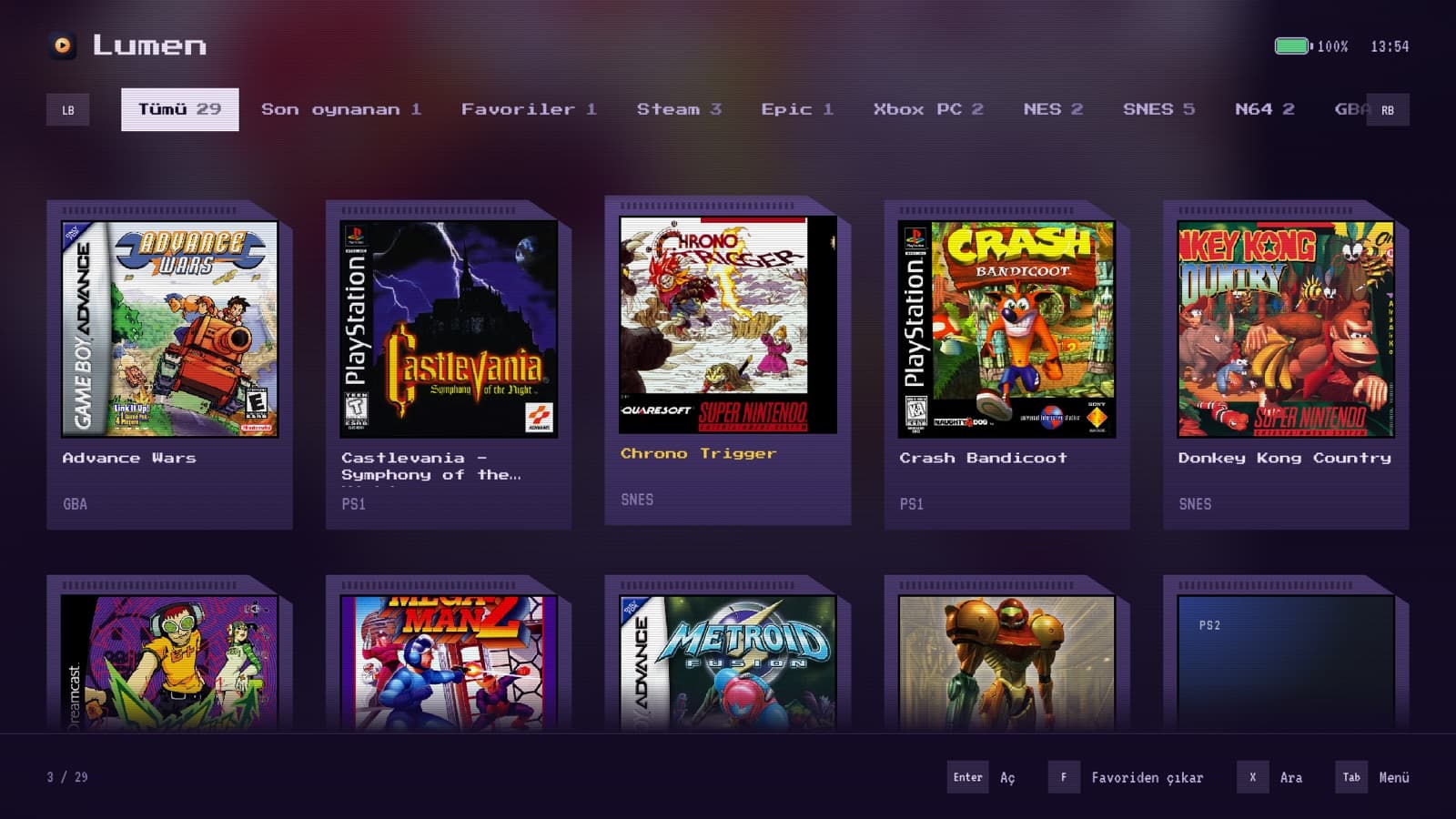
Not just colors: each theme brings its own layout and navigation, from a 3D cover flow to a pixel-art cartridge shelf.
Homebrew store
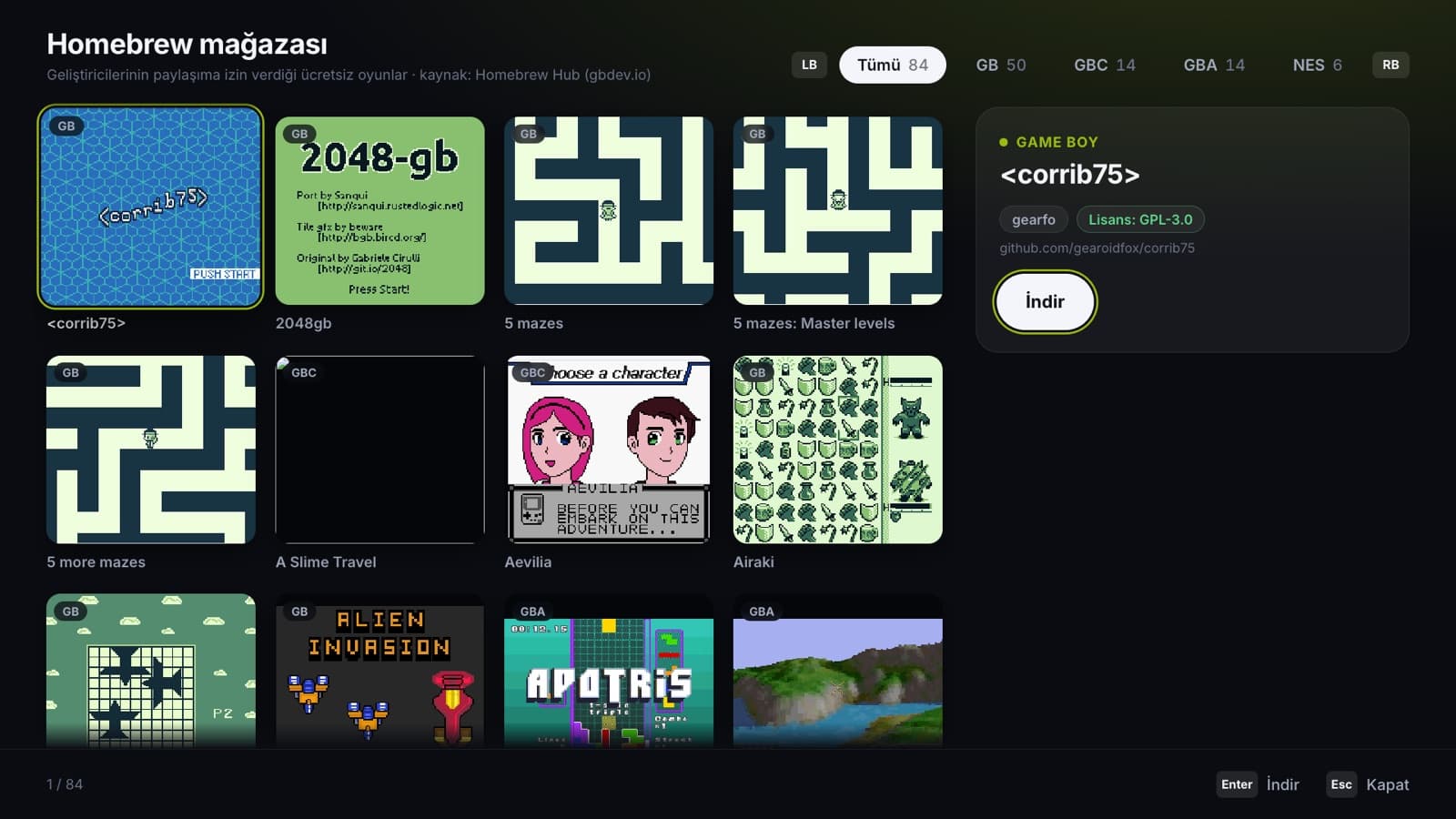
Free Game Boy, GBA and NES homebrew whose licenses allow sharing, installed with one press.
Free and open source
Built with Tauri, Rust and React, licensed under GPL-3.0 and developed in the open.
Screenshots
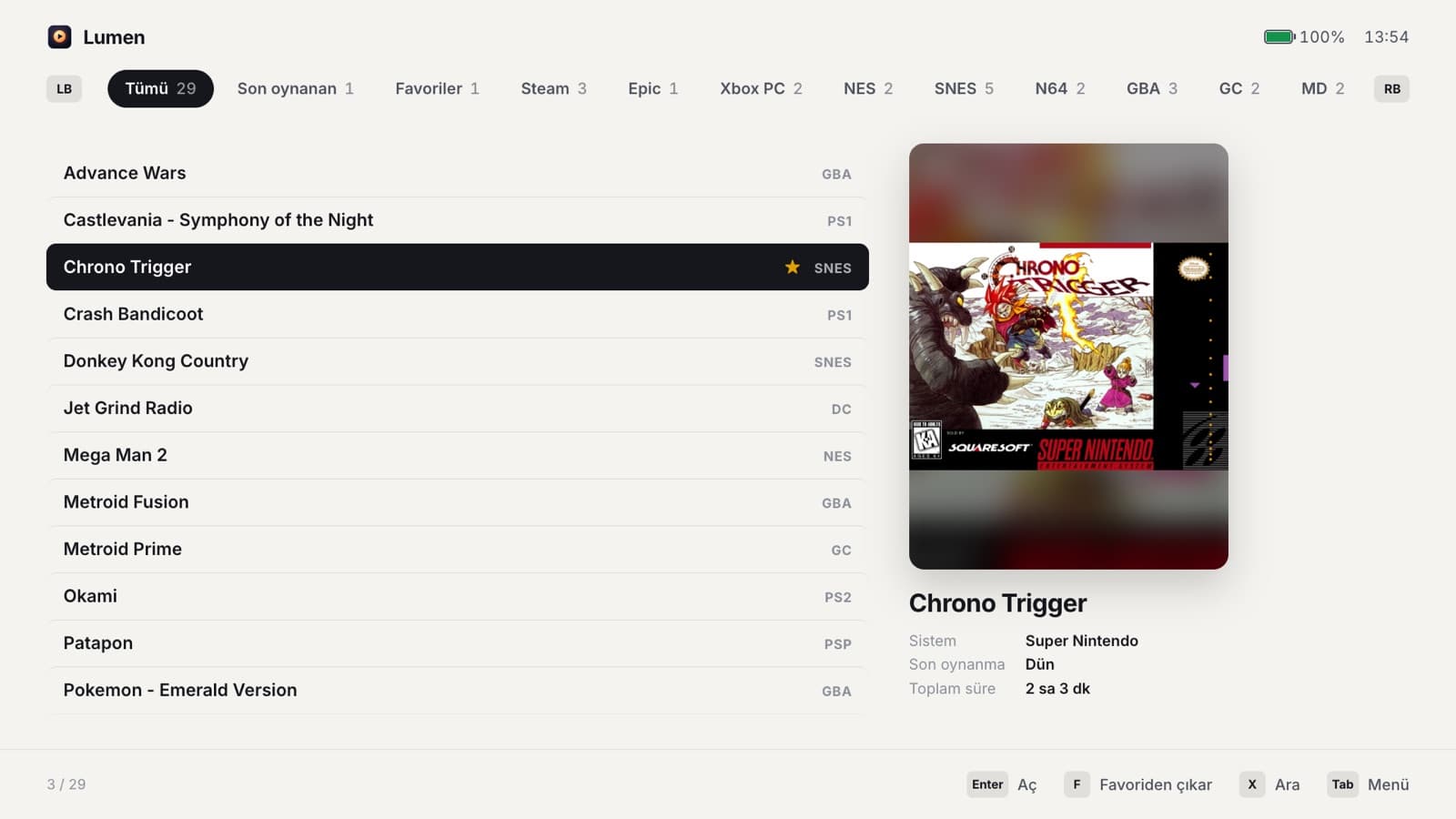
Themes
7 themes, each with its own layout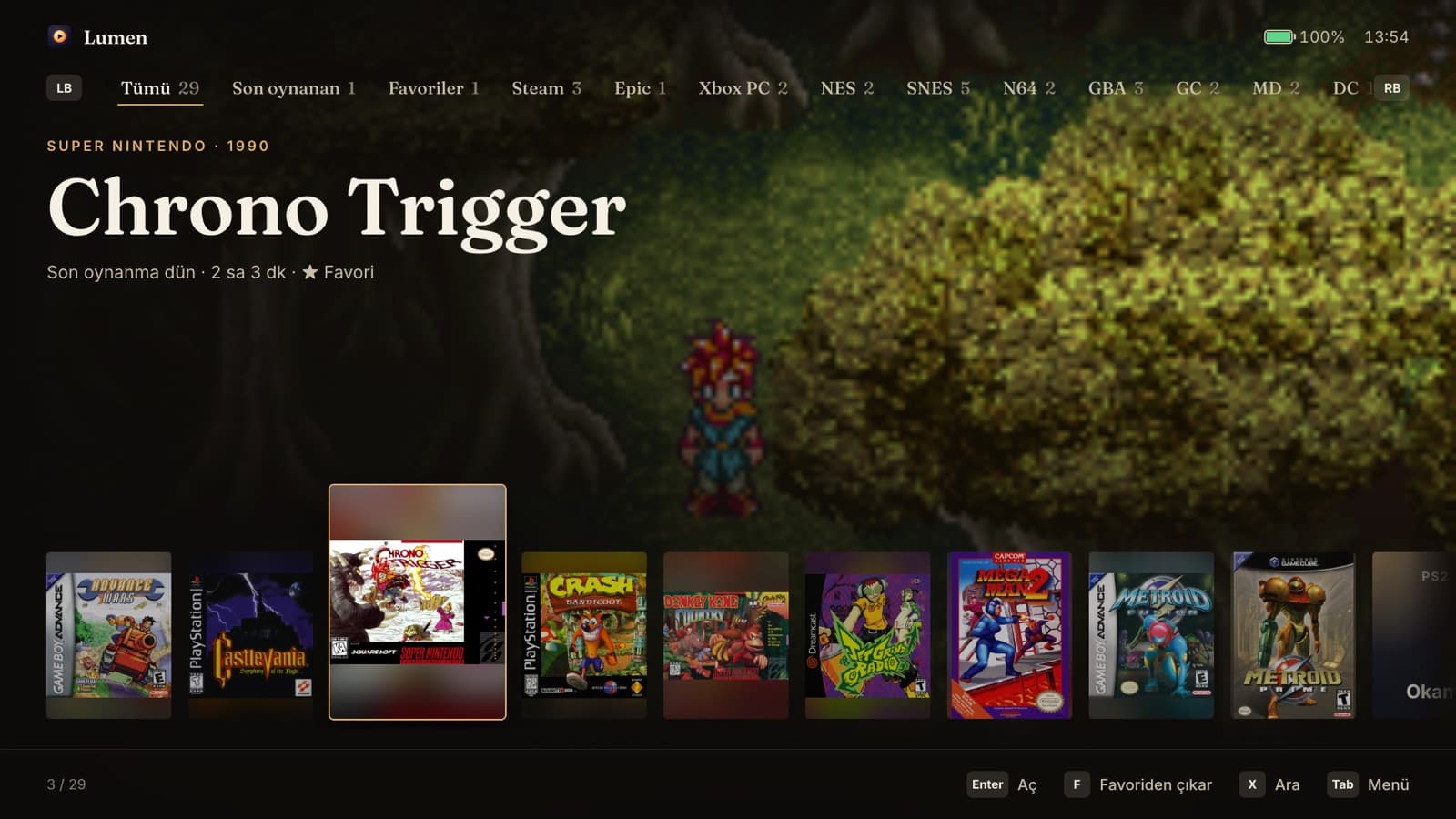
Supported systems
25 systemsPlayStation
6- PlayStationDuckStation
- PlayStation 2PCSX2
- PlayStation PortablePPSSPP
- PlayStation 3RPCS3
- PlayStation 4ExperimentalshadPS4
- PlayStation VitaVita3K
Microsoft
2- Xboxxemu
- Xbox 360Xenia Canary
Nintendo
9- NESMesen
- Super NintendoSnes9x
- Nintendo 64Mupen64Plus-Next
- Game Boy / ColorGambatte
- Game Boy AdvancemGBA
- Nintendo DSmelonDS
- Nintendo 3DSAzahar
- GameCube / WiiDolphin
- Wii UCemu
Sega
4- Master SystemGenesis Plus GX
- Mega DriveGenesis Plus GX
- SaturnBeetle Saturn
- DreamcastFlycast
PC & Arcade
4- SteamSteam
- Epic GamesEpic Launcher
- Xbox app / Game PassXbox app
- ArcadeFinalBurn Neo
Emulators are downloaded from their official releases and updated from the menu. PS1 and Saturn run without a BIOS on open-source HLE BIOS; PS3 and PS Vita system software comes from Sony's official servers.
Requirements
Lumen is in early development. Every change builds a Windows installer: open the latest build, download the lumen-windows artifact and run the installer. Builds aren't code-signed yet, so Windows asks for confirmation once. Bring your own games: Lumen sets up everything else.
Lumen is not affiliated with, endorsed or sponsored by ASUS, Sony Interactive Entertainment, Nintendo, Sega, Microsoft, Valve, Epic Games or any emulator project. Product names are trademarks of their respective owners and are used here only to identify the systems Lumen supports.
Lumen does not include games, BIOS files or copyrighted firmware. Only use games and BIOS files you have dumped from hardware and media you own.
Lumen is licensed under the GNU General Public License v3.0. Emulators are separate projects under their own licenses and are downloaded from their official sources.